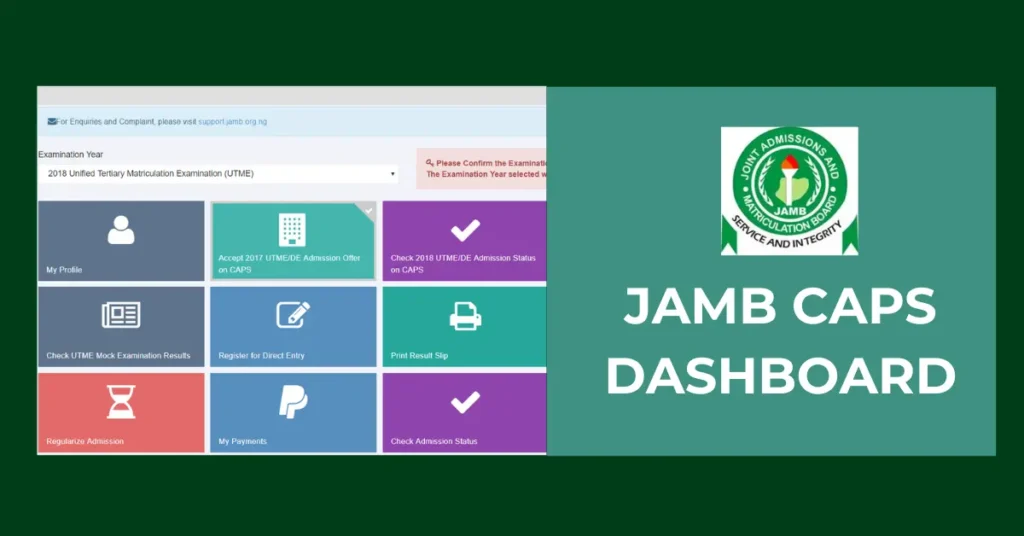
You can now upload your O’level results to the Joint Admissions and Matriculation Board (JAMB) through the CAPS portal, and the process is currently ongoing.
All candidates seeking admission into tertiary institutions are required by JAMB to upload their O’level results. This is a key part of the admission process, so make sure your academic details are correctly updated on your JAMB CAPS profile.
Uploading your results allows JAMB to verify your qualifications and ensures that the admission process is fair and transparent for everyone.
You don’t have to wait until the last minute, log in and upload your results now to avoid any issues later on.
Eligibility for Uploading O’level Results 2025
To upload your O’level results on the JAMB CAPS portal, you need to meet the following requirements:
- You must be a registered candidate with JAMB for the 2025 admission process, either through UTME or Direct Entry.
- You must have your complete O’level results (WAEC, NECO, or NABTEB), obtained within the last five years before your current JAMB application.
- Your O’level subjects must meet the specific subject requirements for the course you are applying for, so be sure to check the subject combination needed for your chosen program.
- Your biodata on the result (name, date of birth, etc.) must match the details used in your JAMB registration to avoid discrepancies.
How to Upload O’level Results to JAMB 2025
There are two ways to upload your O’level results to the Joint Admissions and Matriculation Board (JAMB):
You can either do it yourself using your smartphone or laptop, or visit any JAMB accredited centre to have it done for you. You can either do it yourself using your smartphone or laptop, or visit any JAMB-accredited centre to have it done for you. If you choose to do it yourself, the first step is to scan your O’level result. Make sure the scanned copy is clear, easy to read, and includes all the important details that is, your full name, subjects, grades, and exam information.
How to Upload Your O’Level Result on the JAMB eFacility Portal
If you are uploading your result yourself, just follow these simple steps:
- Go to the JAMB eFacility Portal: https://efacility.jamb.gov.ng
- Log in using your JAMB registration number or the email address and password you used during registration.
- On your dashboard, click on “Upload Result.”
- Choose the year you wrote your O’Level exam.
- Select the exam type – WAEC, NECO, or NABTEB.
- Enter your O’Level exam registration number.
- Upload a scanned copy of your original O’Level result in JPEG or PNG format (make sure the file is clear and not more than 50KB).
- Pay the N500 processing fee using your ATM card or any of the available online payment options.
- Carefully review all the information you’ve entered to ensure accuracy.
- Once everything looks good, click Upload.
You will get a confirmation once your result has been successfully uploaded. Make sure to keep a copy of your payment receipt and screenshot your submission for reference.
How to Upload Your O’Level Result at an Accredited JAMB CBT Centre
If you would prefer not to upload your result yourself, you can visit any JAMB-accredited CBT centre to get it done. Here is how:
- Find a nearby accredited JAMB CBT centre (you can search online or ask at your school).
- Go along with the original copy of your O’Level result and a printed copy of your JAMB registration slip.
- Pay the processing fee, this is usually around ₦700.
- The staff at the centre will handle the upload for you and submit your result electronically to JAMB.
Once the upload is complete, don’t forget to check your JAMB CAPS portal to confirm that your result has been successfully uploaded. You should see a confirmation on your dashboard. If there is any issue, it is best to sort it out immediately to avoid problems with your admission.
Deadline for O’Level Result Upload – 2025
As of now, JAMB has not officially announced the deadline for uploading O’Level results. Once the date is released, we will update this page with the latest information.
In the meantime, we recommend that you bookmark this page and check back regularly so you don’t miss any important updates.
Remember, uploading your O’Level results is a crucial part of the admission process. If your results are not uploaded on time, you may not be considered for admission—no matter your score. So, don’t wait until the last minute. Upload your results early to stay on the safe side.